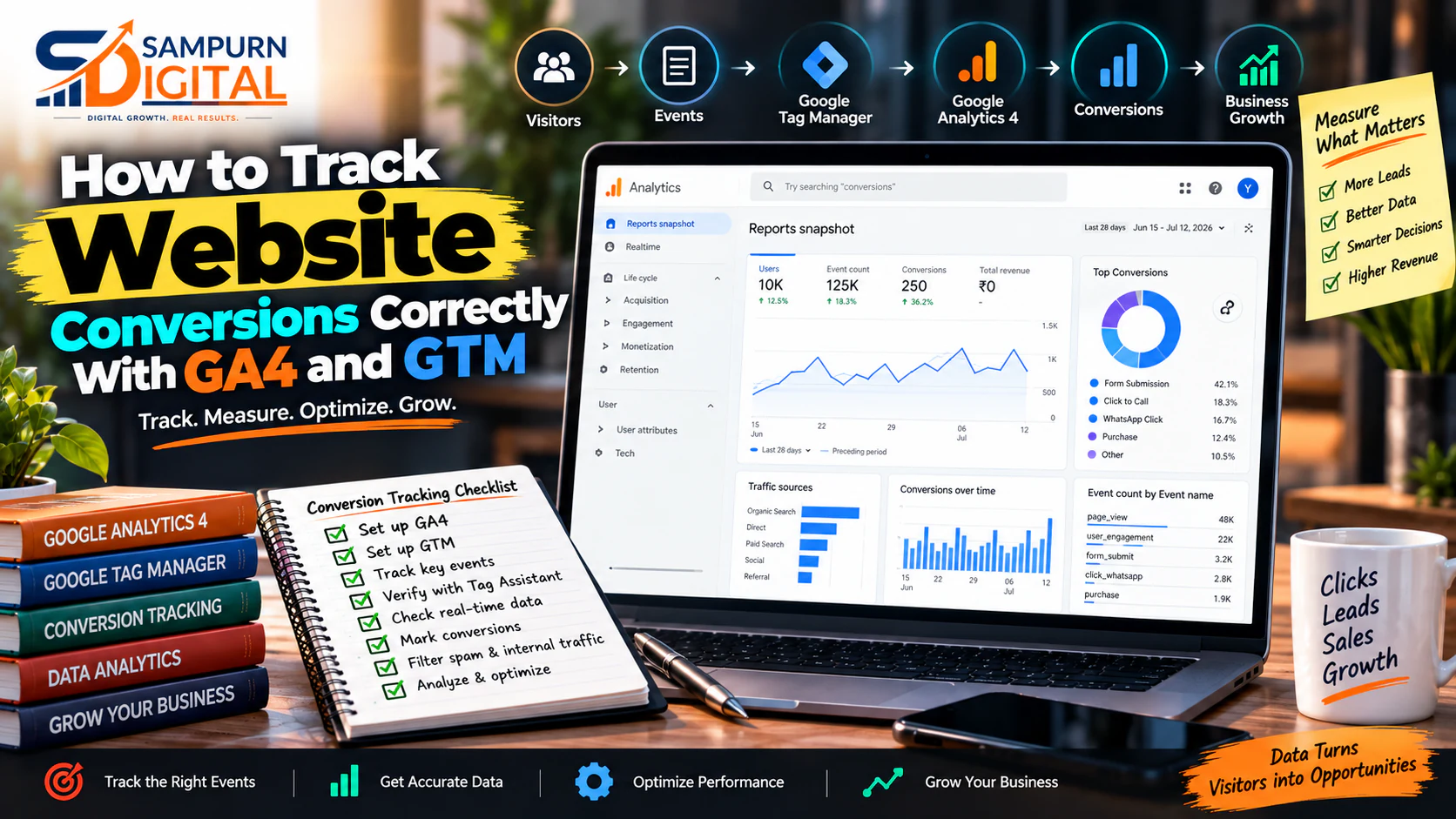
A website can receive 10,000 visitors a month and still leave you with one frustrating question:
Traffic reports can tell you how many people visited. Page reports can tell you what they viewed. But neither automatically tells you whether those visitors:
- submitted an enquiry
- called your business
- clicked WhatsApp
- booked an appointment
- requested a quotation
- downloaded a high-value resource
- started checkout
- completed a purchase
That is where proper GA4 and GTM conversion tracking for a website becomes important.
Google Analytics 4 (GA4) helps you analyze user and event data, while Google Tag Manager (GTM) gives you a structured way to deploy and manage tracking tags without repeatedly modifying website code.
But installing GA4 and GTM is not the same as having reliable conversion tracking.
The real objective is:
Track the business actions that matter, verify that they are being recorded correctly, and connect those actions back to traffic sources, campaigns and revenue.
This guide explains how to build that system practically.
What Is Website Conversion Tracking?
A conversion is a meaningful action that moves a visitor closer to a business outcome.
For a service business, that might be:
For an e-commerce business:
For a SaaS business:
Conversion tracking records these actions so you can understand what happened after someone arrived on your website.
Simple conversion rate formula
For example:
- 10,000 sessions
- 250 enquiries
Conversion rate:
But there is an important problem.
A dashboard showing 250 conversions does not automatically mean you generated 250 valuable business opportunities.
If 100 of those conversions are duplicate form submissions, internal testing, spam or low-quality actions, your reporting is misleading.
That is why tracking quality matters as much as conversion volume.
GA4 vs GTM: What Does Each Tool Actually Do?
One of the most common mistakes is treating GA4 and GTM as competing tools.
They solve different problems.
| Tool | Primary Job |
|---|---|
| GA4 | Collect and analyze website/app events and user behavior |
| GTM | Deploy and manage tracking tags and triggers |
| Google Ads | Use conversion signals for advertising optimization |
| Meta Pixel/CAPI | Send conversion signals to Meta |
| CRM | Store and qualify leads |
| Website | Generate the actual user actions |
A simplified architecture looks like this:
And potentially:
The website is where the action happens.
GTM helps detect and send the event.
GA4 helps analyze it.
Your CRM helps determine whether the lead eventually became revenue.
Why Installing GA4 Alone Is Not Enough
Suppose you installed GA4 six months ago.
Your dashboard shows:
- 38,000 users
- 52,000 sessions
- 12,500 page views
- 1,400 organic visitors
- 8,200 paid visitors
Looks impressive.
But then the business owner asks:
You discover that the website's enquiry form was never properly tracked.
Now you have traffic data without business data.
This creates a dangerous situation:
You start optimizing the channels that produce the most traffic instead of the channels that produce the most valuable customers.
Define What Counts as a Conversion
Before opening GTM, create a conversion map.
Do not begin with:
“Which tag should I install?”
Begin with:
“Which user actions matter to the business?”
For a service company, your conversion map might look like this:
| User Action | Business Value | Track? |
|---|---|---|
| Page view | Low | Yes |
| Scroll 90% | Low | Optional |
| Contact form submission | High | Yes |
| Phone click | High | Yes |
| WhatsApp click | High | Yes |
| Email click | Medium | Yes |
| Brochure download | Medium | Optional |
| Pricing page visit | Medium | Yes |
| Appointment booking | Very High | Yes |
| Thank-you page view | High | Yes, if implemented correctly |
The mistake is tracking everything equally.
A user scrolling to 90% of a blog post is not equivalent to someone requesting a ₹2 lakh project quotation.
Your tracking structure should reflect that difference.
Separate Micro-Conversions From Primary Conversions
Not every conversion has the same commercial value.
Use two levels.
Primary conversions
These represent strong business intent.
Examples:
- Lead form submission
- Purchase
- Appointment booking
- Demo request
- Quote request
- Phone call
- Qualified enquiry
Micro-conversions
These indicate interest but not necessarily revenue.
Examples:
- WhatsApp click
- Pricing page visit
- Brochure download
- Video engagement
- Newsletter signup
- Account creation
For example:
Website funnel
Each step tells you something different.
If you only track the final purchase, you may miss where users are dropping off.
If you only track WhatsApp clicks, you may overestimate business performance.
You need both.
Create an Event Naming Strategy
Your website should have a consistent event structure.
Avoid random naming such as:
- `button1`
- `click_test`
- `formsubmit2`
- `contact_new`
- `lead-final`
- `conversion123`
Instead, establish a naming convention.
For example:
| Action | Suggested Event |
|---|---|
| Lead form | `generate_lead` |
| Purchase | `purchase` |
| Appointment | `appointment_booking` |
| Phone click | `phone_click` |
| WhatsApp click | `whatsapp_click` |
| Brochure download | `brochure_download` |
| Pricing interaction | `pricing_interaction` |
The exact implementation should match the website and reporting requirements, but consistency is critical.
A good naming system makes future analysis much easier.
Decide How Each Conversion Will Be Detected
There are several common ways to detect conversions.
Method 1: Thank-you page
Example:
`/thank-you`
A user submits the form and reaches the thank-you page.
GTM can detect the page view and send the conversion event.
Advantages
- Simple
- Easy to understand
- Easy to test
Risks
If someone reloads the thank-you page, the conversion may fire again unless the implementation prevents duplicates.
Method 2: Form submission event
GTM detects the successful form submission directly.
This can be useful when the website does not redirect to a separate thank-you page.
Advantages
- More direct
- Useful for AJAX forms
- Can work without page redirects
Risks
Form plugins and custom JavaScript implementations vary significantly.
A generic form trigger may detect a submission attempt rather than a successful submission.
That distinction matters.
Method 3: Custom data layer event
For more advanced websites, developers can push structured information into the data layer.
For example:
event: generate\_lead form\_name: contact\_form lead\_type: service\_enquiry service: web\_development
GTM can then listen for that event and send it to GA4.
This approach is particularly useful when the website has:
- multiple forms
- custom applications
- dynamic components
- AJAX interactions
- complex e-commerce journeys
- CRM integrations
Understand the GTM Structure
A basic GTM implementation consists of:
Think of it like this:
Tag
Example:
Send a GA4 event.
Trigger
Example:
When a successful form submission occurs.
Variable
Example:
- form name
- page URL
- service category
- product name
- transaction value
A simple example:
Trigger: Successful contact form submission
Tag: GA4 event
Event: `generate_lead`
GA4: Records the event
This is the basic architecture behind many website conversion tracking setups.
Configure GA4 Conversion Events
GA4 works around events.
A useful measurement structure might look like:
| Event | Type | Importance |
|---|---|---|
| `page_view` | Automatic/basic | Low |
| `scroll` | Engagement | Low |
| `phone_click` | Custom | High |
| `whatsapp_click` | Custom | High |
| `generate_lead` | Business | Very High |
| `appointment_booking` | Business | Very High |
| `purchase` | Business | Critical |
The important principle is:
Do not confuse “an event happened” with “this is a conversion.”
A tracking system can collect dozens of events while only a handful deserve to be treated as key business conversions.
Track Lead Forms Properly
Forms are often the most important conversion for service businesses.
But form tracking can go wrong in several ways.
Common problems
- Event fires when the submit button is clicked
- Event fires even when validation fails
- Event fires twice
- Event fires on every form interaction
- Spam submissions are counted
- Thank-you page reloads create duplicates
- Different forms use identical event names without context
Better structure
Suppose your website has:
- Contact form
- Website development enquiry
- SEO audit form
- Performance marketing enquiry
Instead of tracking everything as:
`form_submit`
You could include useful parameters such as:
- `form_name`
- `service`
- `page_location`
This lets you answer questions like:
“Which service page generates the most enquiries?”
rather than merely:
“How many forms were submitted?”
Track Phone and WhatsApp Clicks
For many Indian businesses, a lead does not necessarily submit a form.
They may click:
or
If you do not track those interactions, your analytics can dramatically understate lead generation.
For example:
Monthly website activity:
- 65 contact forms
- 42 phone clicks
- 91 WhatsApp clicks
If you only report the 65 forms, you may conclude that the website generated 65 leads.
But the actual number of lead-intent actions is considerably higher.
That does not mean all 198 actions are qualified leads.
Instead, report them separately:
Form Leads: 65 Phone Intent: 42 WhatsApp Intent: 91
Then connect actual qualified leads to your CRM.
Track E-commerce Transactions Differently
E-commerce tracking needs more than a generic conversion event.
You may need to understand:
And ideally:
- product
- category
- quantity
- price
- transaction value
- currency
- discount
- order ID
Example:
A customer purchases:
Your analytics should ideally capture the transaction value and relevant product information.
Otherwise, you may know that a purchase occurred without understanding the revenue contribution of the transaction.
For e-commerce businesses, revenue tracking is significantly more valuable than simply counting purchase events.
Connect Conversion Tracking With Marketing Sources
Tracking becomes much more powerful when conversion data is connected with acquisition data.
Suppose you receive:
| Channel | Sessions | Leads | Customers | Revenue |
|---|---|---|---|---|
| Organic Search | 5,000 | 180 | 25 | ₹7,50,000 |
| Google Ads | 3,000 | 210 | 18 | ₹5,40,000 |
| Meta Ads | 4,500 | 300 | 9 | ₹2,25,000 |
| Direct | 2,000 | 80 | 15 | ₹4,50,000 |
At first glance, Meta looks excellent because it produced 300 leads.
But look at customers and revenue.
Organic search produced fewer leads than Meta but substantially more customers and revenue.
This is why website conversion tracking should eventually connect with lead quality and revenue, not stop at form submissions.
For a deeper understanding of channel-level customer attribution, see:
Use UTM Parameters Properly
If you're running campaigns, use consistent UTM parameters.
A basic structure can include:
- `utm_source`
- `utm_medium`
- `utm_campaign`
- `utm_content`
- `utm_term`
For example:
utm\_source=google utm\_medium=cpc utm\_campaign=web-development utm\_content=landing-page-a
Another campaign might be:
utm\_source=facebook utm\_medium=paid-social utm\_campaign=web-development utm\_content=video-a
The important part is consistency.
If one campaign uses:
`facebook`
another uses:
`Facebook`
and another uses:
`fb`
your reports can become unnecessarily fragmented.
Build a Conversion Measurement Matrix
Before implementation, create a tracking document.
For example:
| Business Action | Event | Trigger | GA4 | Ads | CRM |
|---|---|---|---|---|---|
| Contact form | `generate_lead` | Successful submission | ✓ | ✓ | ✓ |
| Phone click | `phone_click` | Click | ✓ | Optional | — |
| `whatsapp_click` | Click | ✓ | Optional | — | |
| Appointment | `appointment_booking` | Confirmation | ✓ | ✓ | ✓ |
| Purchase | `purchase` | Successful transaction | ✓ | ✓ | ✓ |
This becomes your measurement specification.
It also prevents developers, marketers and analysts from implementing different definitions of a “conversion.”
Test Everything Before Trusting the Data
This is one of the most important parts of the process.
Never assume tracking works because a tag exists in GTM.
Test the actual user journey.
Test 1: Form submission
- Open the website.
- Complete the form.
- Submit it.
- Confirm the form actually succeeds.
- Check GTM preview/debugging.
- Confirm the correct event fires.
- Confirm GA4 receives it.
- Check that it is not firing twice.
Test 2: Phone click
- Open the page.
- Click the phone CTA.
- Check the event.
- Confirm the correct URL/action is detected.
Test 3: WhatsApp
- Click WhatsApp.
- Confirm the event fires.
- Check that accidental page interactions do not trigger it.
Test 4: Purchase
- Complete a test transaction.
- Verify purchase event.
- Verify order ID.
- Verify revenue.
- Verify currency.
- Check for duplicate transactions.
The Duplicate Conversion Problem
Imagine your website generated:
But your tracking system records:
Your dashboard now says the conversion rate is higher than reality.
This can happen when:
- the same event fires from multiple tags
- both form submission and thank-you page trigger conversions
- a user refreshes the confirmation page
- multiple containers or scripts are installed
- old tracking code remains alongside GTM
- developers added direct GA4 code while GTM also sends the event
Diagnostic question
Whenever conversion numbers look suspiciously high, ask:
“What exact user action caused this event to fire?”
Then trace it from:
The Opposite Problem: Missing Conversions
Under-reporting is equally dangerous.
Suppose the CRM shows:
But GA4 shows:
You have a measurement gap.
Possible causes include:
- form tracking stopped working
- a new form was added without a trigger
- thank-you page URL changed
- JavaScript changed
- GTM trigger conditions became invalid
- consent settings affected measurement
- conversion event naming changed
- tracking code was removed during a website update
This is why conversion tracking should be treated as an ongoing measurement system, not a one-time installation.
Build a Conversion Debugging Framework
When numbers look wrong, use this sequence:
This prevents the common mistake of debugging only GA4 when the real problem is happening on the website.
A Practical Example: Service Business
Imagine a web development company spends:
Website performance:
- 8,000 sessions
- 240 form submissions
- 120 WhatsApp clicks
- 70 phone clicks
- 300 total tracked lead-intent actions
- 95 qualified leads
- 20 customers
- ₹12,00,000 revenue
Now calculate:
Form conversion rate
240 ÷ 8,000 × 100
\= 3%
Qualified lead rate from tracked lead actions
95 ÷ 300 × 100
\= 31.7%
Customer conversion rate from qualified leads
20 ÷ 95 × 100
\= 21.1%
Revenue per customer
₹12,00,000 ÷ 20
\= ₹60,000
Now the business can ask much better questions:
- Which campaign generated the qualified leads?
- Which landing page generated customers?
- Which source generated high-value projects?
- Which forms produce spam?
- Which traffic source produces many clicks but few customers?
This is much more useful than simply reporting:
What Should Your GA4 Dashboard Actually Show?
A practical website measurement dashboard can include:
Traffic
- Users
- Sessions
- Traffic source
- Landing pages
Engagement
- Engagement rate
- Key page views
- Important interactions
Conversions
- Primary conversions
- Micro-conversions
- Conversion rate
- Conversion trend
Lead generation
- Form submissions
- Phone clicks
- WhatsApp clicks
- Appointment bookings
Commercial performance
- Qualified leads
- Customers
- Revenue
- Revenue by source
The dashboard should answer:
“What happened, where did it happen, and what should we do next?”
Not simply display 40 metrics.
Common GA4 + GTM Tracking Mistakes
Tracking button clicks instead of successful outcomes
A click on “Submit” is not necessarily a successful lead.
Counting thank-you page visits as unique leads
Refreshes can create misleading numbers.
Using generic event names everywhere
You lose useful context.
Never testing after website changes
A redesign can silently break tracking.
Installing multiple tracking systems without governance
This can create duplicate events.
Tracking conversions without revenue
Lead volume alone doesn't show commercial quality.
Ignoring phone and WhatsApp interactions
Especially important for service businesses.
Using inconsistent UTM naming
Campaign reporting becomes fragmented.
Treating every event as equally valuable
A page scroll should not carry the same importance as a ₹1 lakh purchase.
Never comparing analytics against the CRM
Your website data should eventually be reconciled with actual business records.
Website Conversion Tracking Audit Checklist
Use this before declaring your setup complete.
Website
- All important forms identified
- Successful submissions defined
- Thank-you pages documented
- Phone CTAs identified
- WhatsApp CTAs identified
- Appointment actions identified
- E-commerce actions mapped where relevant
GTM
- Container installed correctly
- Tags documented
- Triggers documented
- Variables documented
- Duplicate tags removed
- Preview/debug testing completed
- Form validation tested
GA4
- Important events receiving data
- Primary conversions identified
- Micro-conversions separated
- Event naming consistent
- Parameters configured where useful
- Conversion reporting tested
Attribution
- UTM conventions documented
- Campaign naming consistent
- Landing pages tracked
- Acquisition sources visible
- Paid campaign parameters validated
Business
- Leads compared against CRM
- Qualified leads identified
- Customers identified
- Revenue connected where possible
- Spam/test conversions excluded from analysis
How Often Should You Audit Conversion Tracking?
For a stable website, review the implementation regularly.
But perform an immediate tracking check after major changes such as:
- website redesign
- new forms
- new landing pages
- checkout changes
- CMS/plugin updates
- domain migration
- URL structure changes
- new advertising platforms
- CRM migration
- consent/privacy implementation changes
- major JavaScript changes
A useful operational rule is:
Every major website change should trigger a conversion-tracking QA check.
Your development workflow should not be:
It should be:
GA4 + GTM Conversion Tracking: The Right Business Framework
The complete system can be summarized in six layers:
Define
What business actions matter?
Map
Where does each action happen?
Implement
How will GTM detect it?
Measure
How will GA4 record it?
Validate
Does the recorded data match reality?
Optimize
What does the data tell you to change?
This creates a much stronger measurement foundation than simply installing analytics code.
What Good Conversion Tracking Should Help You Answer
After implementation, you should be able to answer questions such as:
Those answers turn analytics from a reporting tool into a decision-making system.