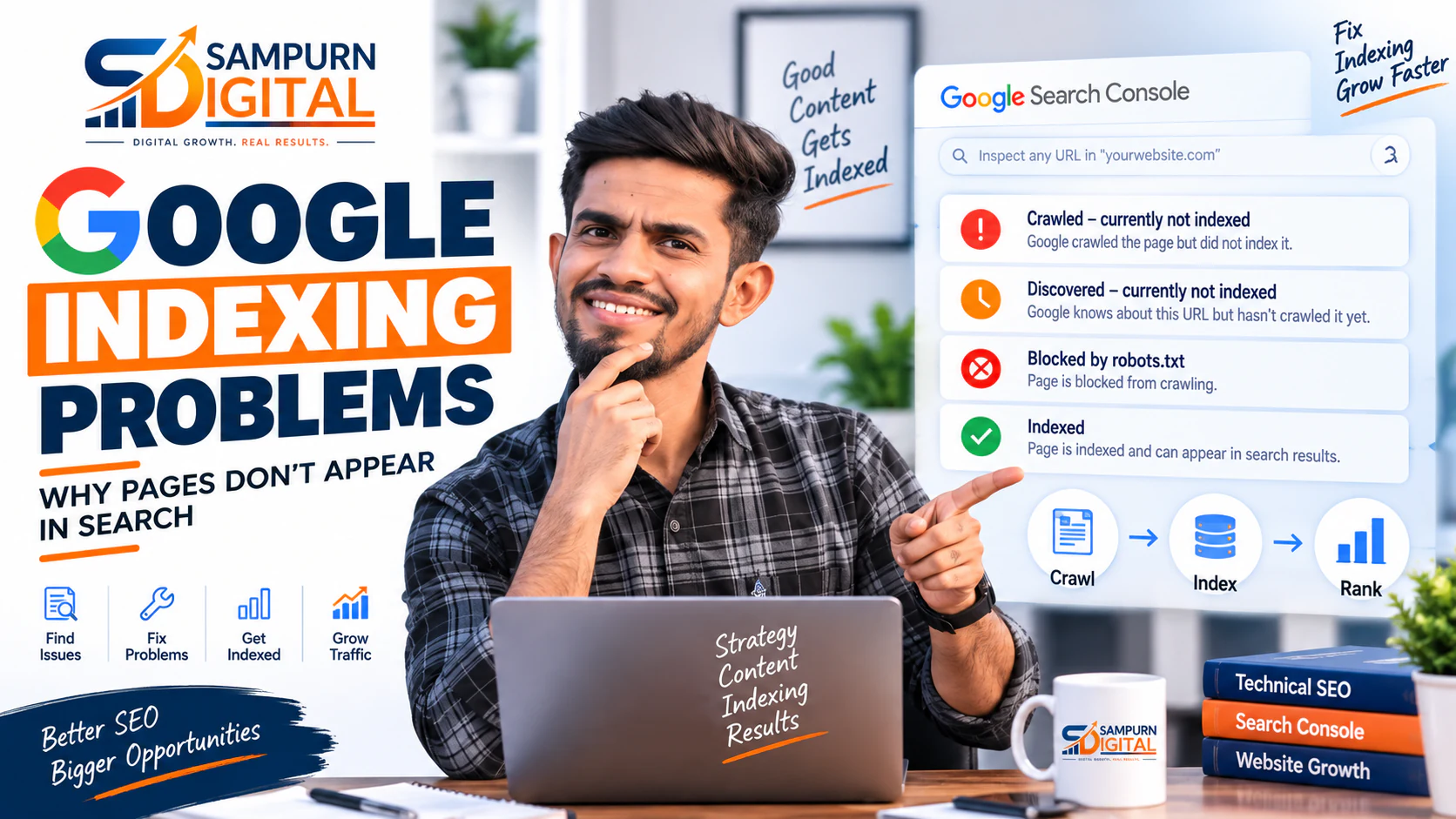
Publishing a page does not automatically mean Google will show it in search results.
A page can be live, accessible to visitors, linked from your website, and still fail to appear in Google.
Sometimes the problem is technical. Sometimes Google has crawled the page but decided not to index it. In other cases, the page is indexed but not ranking for the searches you expect.
That distinction matters.
If you are searching for your own page and cannot find it, the first question should not be:
“Why isn't my SEO working?”
The better question is:
“What exactly is happening to this URL inside Google's crawling, indexing and ranking process?”
This guide explains how to diagnose why pages are not indexed by Google, how to use Google Search Console to identify the problem, what common indexing issues mean, and what you should fix before requesting indexing again.
First: Not Appearing in Google Does Not Always Mean “Not Indexed”
There are several different situations that business owners often confuse.
Situation 1: Google has never crawled the page
Google may not know that the page exists or may not have reached it yet.
This can happen with:
- New websites
- Newly published pages
- Poor internal linking
- Orphan pages
- Weak website architecture
- Pages that are difficult to discover
Situation 2: Google crawled the page but did not index it
Google discovered the URL but decided not to include it in its searchable index.
This can happen because of:
- Duplicate content
- Very similar pages
- Low-value or thin content
- Technical signals
- Canonicalization
- Indexing directives
- Quality or relevance issues
Situation 3: The page is indexed but not ranking
This is a completely different problem.
Google may have indexed the page, but the page may not rank prominently because:
- Search intent is mismatched
- The page targets a competitive query
- Another page is more relevant
- The content is not strong enough
- Internal linking is weak
- The website lacks authority for the topic
So before changing anything, identify which situation you actually have.
If broader technical problems may be affecting crawling or indexing across your site, start with [our guide to technical SEO problems that quietly kill organic traffic](https://www.sampurndigital.com/blog/seo/technical-seo-problems-that-quietly-kill-organic-traffic).
How Google Indexing Actually Works
A simplified version of the process looks like this:
Discovery
Google needs to discover the URL.
It may find a page through:
- Internal links
- External links
- XML sitemaps
- Previously known URLs
- Other discoverable references
A page that exists but has no meaningful internal links can be much harder for search engines to discover.
Crawling
Googlebot requests the URL and attempts to access the page.
At this stage, technical problems can interfere with the process.
For example:
- Robots.txt restrictions
- Server errors
- DNS problems
- Authentication requirements
- Redirect problems
- Broken URLs
Processing
Google analyzes what it found.
It may evaluate:
- Page content
- Links
- Metadata
- Canonical signals
- Structured data
- Rendering
- Duplicate content
- Other technical and content signals
Indexing
Google decides whether the page should be included in its index.
Being crawled does not guarantee indexing.
Ranking
Only after the page is eligible to appear in the index does the ranking question become relevant.
This is why repeatedly changing titles or adding keywords will not fix a page that Google cannot properly access or index.
The 12 Most Common Google Indexing Problems
The Page Is New and Google Has Not Crawled It Yet
The simplest explanation is sometimes the correct one.
If you published a page recently, Google may simply not have discovered or crawled it yet.
This is especially common when:
- The website is new
- The domain has few backlinks
- The page has no internal links
- The XML sitemap is incomplete
- The site publishes content infrequently
Do not immediately assume something is broken.
First check the URL in Google Search Console.
Google notes that newly published pages can take time to be discovered, crawled and re-indexed.
What to do
Check:
- Is the URL included in the XML sitemap?
- Does another page link to it?
- Can Googlebot access it?
- Does URL Inspection show that Google knows the URL?
- Is the page returning a normal HTTP response?
If everything looks correct, give Google time to process the page.
The Page Has a `noindex` Directive
A `noindex` directive tells search engines not to include a page in their index.
This is useful when intentional.
For example, you may intentionally prevent indexing of:
- Internal search pages
- Certain filters
- Staging pages
- Temporary pages
- Some utility pages
But accidental `noindex` directives can make important business pages disappear from search.
Check the affected page for:
- ``
- `X-Robots-Tag: noindex`
- CMS SEO settings
- Plugin settings
If an important service or blog page has accidentally been marked `noindex`, remove the directive and allow Google to recrawl it.
Robots.txt Is Blocking Crawling
Robots.txt controls which URLs crawlers are allowed to request.
A mistake here can prevent Googlebot from accessing important parts of a website.
For example, a broad rule such as:
Disallow: /
can effectively block crawling across the site.
More commonly, the problem is a rule that unintentionally blocks a directory containing important pages.
Important distinction
Robots.txt and `noindex` are not the same thing.
A robots.txt restriction prevents crawling. A `noindex` directive tells a crawler that the page should not be indexed.
If you need Google to see a `noindex` directive, Google must be able to crawl the page.
So do not use robots.txt as a substitute for `noindex`.
Google Crawled the Page but Did Not Index It
This is one of the most confusing Search Console situations.
You may see that Google discovered or crawled a URL, but the page still does not appear in search.
That means the problem has moved beyond simple discovery.
Google may decide that the page does not currently need to be included in the index.
Possible reasons include:
- Duplicate content
- Very similar pages
- Thin content
- Low-value content
- Poor canonical signals
- Weak differentiation between pages
- Other quality or relevance considerations
The correct response is not always “request indexing again.”
First determine why Google is choosing not to index the page.
The Wrong Canonical URL Is Being Selected
Canonicalization becomes important when multiple URLs contain identical or substantially similar content.
For example:
example.com/service example.com/service/ example.com/service?source=campaign
or two separate pages containing almost the same main content.
Google groups similar pages and selects what it considers the representative URL.
Importantly, your preferred canonical is a signal, not an absolute command. Google can select a different canonical when its systems determine that another URL is more representative.
What to check
Use Google Search Console's URL Inspection tool and compare:
- User-declared canonical
- Google-selected canonical
- Page content
- Internal links
- Sitemap URL
- Redirects
If Google repeatedly selects another page as canonical, investigate why.
Duplicate or Extremely Similar Pages
Duplicate content can create indexing confusion.
Imagine a website has:
- `/seo-services`
- `/seo-services-for-businesses`
- `/seo-company`
- `/best-seo-services`
If all four pages contain nearly the same content and target the same intent, Google may have difficulty determining which page should represent the topic.
This is where SEO architecture matters.
Instead of creating multiple pages that say essentially the same thing, give each important page a distinct purpose.
A strong content architecture should make it clear:
For example:
- SEO services → commercial service page
- SEO audit → diagnostic article/service
- Search intent → educational article
- Technical SEO → diagnostic article
- SEO strategy → strategic guide
This is also why understanding [how Google decides which page should rank for a search](https://www.sampurndigital.com/blog/seo/how-google-decides-which-page-should-rank-for-a-search) matters.
The Page Is an Orphan Page
An orphan page exists but has little or no useful internal linking support.
For example:
Homepage ↓ Services ↓ Blog
You publish a new article:
/blog/seo/new-article
But no important page links to it.
The URL may still exist in your sitemap, but the overall site architecture is weak.
Why this matters
Internal links help:
- Users discover related content
- Search engines discover URLs
- Search engines understand relationships between pages
- Important pages receive contextual signals
A good SEO content cluster should not be a collection of isolated articles.
Each article should connect naturally to:
- Its service pillar
- Related articles
- Earlier and later stages of the customer journey
- Relevant cross-cluster resources
The URL Is Not Included in the XML Sitemap
Your XML sitemap should help search engines discover important URLs.
If a newly published page is missing from the sitemap, that does not automatically mean Google cannot find it.
Google can discover pages through internal links and other signals.
However, for an important business website, your sitemap should accurately represent the URLs you want search engines to know about.
Check:
- Is the URL present?
- Is the correct canonical URL present?
- Is the URL returning `200 OK`?
- Is the sitemap accessible?
- Has the sitemap been submitted in Search Console?
Avoid putting obviously non-indexable URLs into the sitemap.
For example, pages marked `noindex`, redirected URLs, or broken URLs generally do not belong in the main sitemap.
The Page Returns an Error
Google cannot properly index a page that consistently fails to return usable content.
Check for:
- `404 Not Found`
- `410 Gone`
- `500 Server Error`
- `503 Service Unavailable`
- Redirect loops
- Incorrect redirects
- Server timeout problems
A temporary server problem may resolve itself.
A persistent error needs technical investigation.
If the URL was intentionally removed, redirecting it to the most relevant replacement may make sense.
Do not redirect every deleted URL to the homepage simply to avoid 404s.
JavaScript Prevents Google From Understanding the Page
Modern websites often rely heavily on JavaScript.
That is not automatically a problem.
The issue appears when important content, links or navigation depend on rendering that is incomplete, broken or inaccessible.
For example:
- Main content is loaded only after a failed API request
- Important links exist only after a user interaction
- Content is hidden from crawlers
- The page renders differently than expected
- Server-side and browser-rendered versions contain different content
If you suspect rendering problems, inspect the URL in Search Console and compare what Google can access with what users see.
The Page Has Weak or Conflicting Internal Signals
Sometimes the page itself is technically indexable, but your website architecture sends confusing signals.
For example:
- Sitemap points to URL A
- Canonical points to URL B
- Internal links point to URL C
- Redirect sends URL A to URL D
This creates unnecessary ambiguity.
Your important URLs should have consistent signals.
Ideally:
Consistency makes your architecture easier to understand.
The Page Does Not Provide Enough Unique Value
Not every indexing problem is technical.
This is one of the most important points.
A technically perfect page can still struggle to get indexed if it provides little unique value.
For example, publishing 20 articles that all explain:
“What is SEO?”
with only minor wording differences creates a weak content ecosystem.
Instead, create meaningful differentiation.
For example:
- Why Is My Website Not Getting Google Traffic?
- Google Indexing Problems
- Technical SEO Problems
- Search Intent Mapping
- SEO Content Audit
- Keyword Research Based on Business Revenue
Each page answers a different business problem.
That is much stronger than creating multiple pages around almost identical keywords.
How to Diagnose Indexing Problems in Google Search Console
Google Search Console should be your primary diagnostic tool.
Open URL Inspection
Enter the exact URL you are investigating.
Do not inspect only the homepage.
Inspect the specific page that is missing from Google.
Check Whether Google Knows the URL
Look for information indicating whether the URL has been discovered.
If Google has never encountered the URL, investigate:
- Internal links
- Sitemap
- External discovery
- Website architecture
Check Indexing Status
Determine whether the URL is:
- Indexed
- Not indexed
- Crawled but not indexed
- Discovered but not indexed
- Blocked
- Excluded
The wording in Search Console matters.
Do not treat every “not indexed” status as the same problem.
Check the Live URL
Use the live URL inspection functionality when appropriate.
Confirm:
- The page loads
- Google can access it
- The page is not accidentally blocked
- Important content is present
- The canonical is appropriate
- The page does not require authentication
Check the Canonical
Compare:
with
If they differ, investigate before simply requesting indexing again.
Google specifically recommends using URL Inspection to understand which canonical Google selected and checking technical canonicalization issues when the selection is unexpected.
A Practical Google Indexing Troubleshooting Checklist
Use this checklist whenever an important page is not appearing in Google.
Discovery
- Is the URL live?
- Is it linked internally?
- Is it included in the XML sitemap?
- Is the URL easy to reach through website navigation?
- Is the page an orphan?
Crawlability
- Is robots.txt blocking the page?
- Does the server return a successful response?
- Are redirects working correctly?
- Are there redirect chains?
- Are there server errors?
- Can Google access the page without authentication?
Indexability
- Is there an accidental `noindex`?
- Is the canonical correct?
- Is the page substantially different from duplicate pages?
- Is the URL the preferred version?
- Is the page included in the appropriate sitemap?
Content
- Does the page satisfy a clear search intent?
- Does it provide original value?
- Is the page substantially different from competing or duplicate pages?
- Does it answer a specific problem?
- Is the content complete enough for its purpose?
- Are important topics explained clearly?
Internal Linking
- Does the page have contextual internal links?
- Does the relevant service pillar link to it?
- Are related articles connected?
- Are links pointing to the correct canonical URL?
- Are important pages receiving enough contextual support?
Should You Request Indexing Again?
Yes—but only after fixing the underlying problem.
Requesting indexing is not a magic “make Google rank this page” button.
A better workflow is:
For example:
Problem
Google selected the wrong canonical.
Fix
Improve page differentiation and canonical/internal-link signals.
Validate
Inspect the URL again.
Request indexing
Ask Google to re-evaluate the corrected page.
Monitor
Watch Search Console for the resulting status.
Google recommends using Request Indexing after fixing relevant issues, while noting that the feature is subject to quotas and should be reserved for important URLs.
What If Google Indexes the Page but It Still Gets No Traffic?
This is where many SEO campaigns go wrong.
The page may be indexed perfectly and still generate almost no organic traffic.
That means you may not have an indexing problem.
You may have a ranking or search-intent problem.
For example:
Your page targets:
“SEO services”
but Google believes another page on your website is the best match.
Or your article targets a broad keyword when the actual intent is commercial.
Or the page ranks at position 60 where almost nobody sees it.
In that situation, fixing indexing will not solve the problem.
You need to investigate:
- Search intent
- Keyword targeting
- Content quality
- Competition
- Internal links
- Page authority
- SERP expectations
- Conversion relevance
You can also use an [SEO content audit to decide which pages should be kept, improved, merged or removed](https://www.sampurndigital.com/blog/seo/seo-content-audit-which-pages-should-you-keep-improve-merge-or-remove).
How Indexing Problems Connect With Keyword Cannibalization
Indexing and cannibalization can overlap.
Imagine you have five pages targeting nearly the same topic.
Google may:
- Index all of them
- Index some of them
- Select one canonical
- Rank one page for some queries
- Rank another page for different queries
This creates an unclear content architecture.
Before creating another page, determine whether an existing page already satisfies the search intent.
If multiple pages are competing for the same intent, [learn how to find cannibalization between your website pages](https://www.sampurndigital.com/blog/seo/how-to-find-cannibalization-between-your-website-pages).
The solution may be:
- Improve one page
- Merge pages
- Redirect a weaker page
- Change search intent
- Differentiate the content
- Rebuild internal linking
When Website Development Causes Indexing Problems
SEO and web development cannot always be separated.
A website redesign can accidentally introduce:
- Noindex tags
- Broken redirects
- Incorrect canonicals
- Changed URLs
- Missing internal links
- JavaScript rendering issues
- Incorrect robots.txt rules
- Sitemap problems
This is especially important during:
- Website migrations
- CMS changes
- URL restructuring
- Redesigns
- Platform migrations
- Large technical updates
Your development team and SEO team should validate important URLs together before and after a major deployment.
For lead-generation businesses, [lead generation website architecture for service businesses](https://www.sampurndigital.com/blog/web-development/lead-generation-website-architecture-for-service-businesses) can help connect technical architecture with SEO and conversion requirements.
A Better Indexing Recovery Process for Businesses
Instead of randomly changing pages, use a structured process.
Phase 1: Identify
Create a list of URLs that are not appearing in Google.
Separate them into:
- New pages
- Important service pages
- Blog articles
- Product/category pages
- Previously indexed pages that disappeared
Phase 2: Diagnose
For each URL, check:
Do not jump directly to content optimization.
Phase 3: Prioritize
Not every page deserves the same amount of effort.
Prioritize:
- Revenue-generating pages
- Important service pages
- High-potential content
- Pages supporting major topic clusters
- Pages with existing backlinks or authority
- Low-priority informational pages
Phase 4: Fix
Fix the actual reason for exclusion.
Examples:
Noindex → remove accidental directive
Wrong canonical → correct canonical and page signals
Orphan page → add contextual internal links
Duplicate page → consolidate or differentiate
Server error → resolve technical issue
Weak content → improve the page's unique value
Phase 5: Validate
After changes, inspect the URL again.
Confirm that the technical issue has actually been resolved.
Do not assume that changing the CMS setting automatically solved the problem.
Phase 6: Request Re-indexing
For important corrected URLs, use Search Console's indexing request functionality.
Then allow time for Google to revisit the page.
Do Not Make These Common SEO Mistakes
Mistake 1: Repeatedly requesting indexing
If the underlying issue remains, repeatedly requesting indexing will not solve it.
Fix first.
Mistake 2: Changing keywords when the page is blocked
If Google cannot crawl or index the page, keyword optimization is not your first priority.
Mistake 3: Creating another page for the same keyword
This can make the architecture worse.
Check existing pages before publishing new ones.
Mistake 4: Blocking pages with robots.txt and expecting them to disappear from the index
Robots.txt controls crawling. It is not a general replacement for an indexing directive.
Mistake 5: Redirecting everything to the homepage
A redirect should point users and search engines toward the most relevant replacement—not simply the homepage.
Mistake 6: Assuming “indexed” means “successful SEO”
Indexing is only one stage.
A successful SEO page needs to be:
The Business Impact of Indexing Problems
Indexing problems are not just technical SEO issues.
They can directly affect revenue.
If an important service page is not indexed:
If a high-intent product category is excluded:
If important educational content is not indexed:
That is why indexing should be treated as part of the broader growth system, not as an isolated technical task.
For businesses managing SEO, paid acquisition, social media and website performance together, [this integrated digital marketing strategy guide](https://www.sampurndigital.com/blog/digital-marketing/the-digital-growth-operating-system-how-seo-paid-social-website-and-analytics-work-to) explains how these systems can work together.
And when organic and paid acquisition are both part of the growth strategy, [learn how performance marketing and paid acquisition works as a complete system](https://www.sampurndigital.com/blog/performance-marketing/the-complete-paid-growth-system-ads-landing-pages-tracking-cro).
The Simple Google Indexing Framework
When a page is missing from Google, ask these questions in order:
Does Google know the URL exists?
If not, improve discovery.
Can Google crawl it?
If not, fix technical access.
Is the page allowed to be indexed?
Check `noindex` and other indexing controls.
Does Google consider another URL the canonical?
If yes, investigate duplicate and canonical signals.
Is the content meaningfully useful and differentiated?
If not, improve the page.
Is the page indexed but not ranking?
If yes, stop treating it as an indexing problem and move into ranking and search-intent analysis.
This framework prevents you from spending hours optimizing the wrong thing.